Resident Hub
Welcome Home

Discover your centralized hub for Satori Residences community resources, services, and updates. Access community announcements, incident reporting, amenity bookings, PMO online payments, club applications, site enhancement projects and PMO directory anytime. Beyond services, explore curated essentials that make condo living smarter and more enjoyable.

Community Announcement

Loading...

Please wait...

Everything You Need in One Place

Access community services, amenity reservations, online payments, and other essential resources.

Incident Reporting

Submit concerns, incidents, suggestions, and requests directly to the Property Management Office.

Amenity Booking

Reserve amenities including the Multi-Purpose Court and Grilling Stations.

PMO Payments

Conveniently pay your association dues using supported online channels.

Community Clubs

Establish an official resident club and help organize community activities and programs.

Site Enhancements

View ongoing, completed, and upcoming site enhancement projects within Satori Residences.

PMO Directory

Important contact numbers, lobby contacts, and emergency information.

Satorian Picks

Amenity Booking

Select the amenity you wish to reserve.

Multi-Purpose Court

Reserve the court for your basketball games.

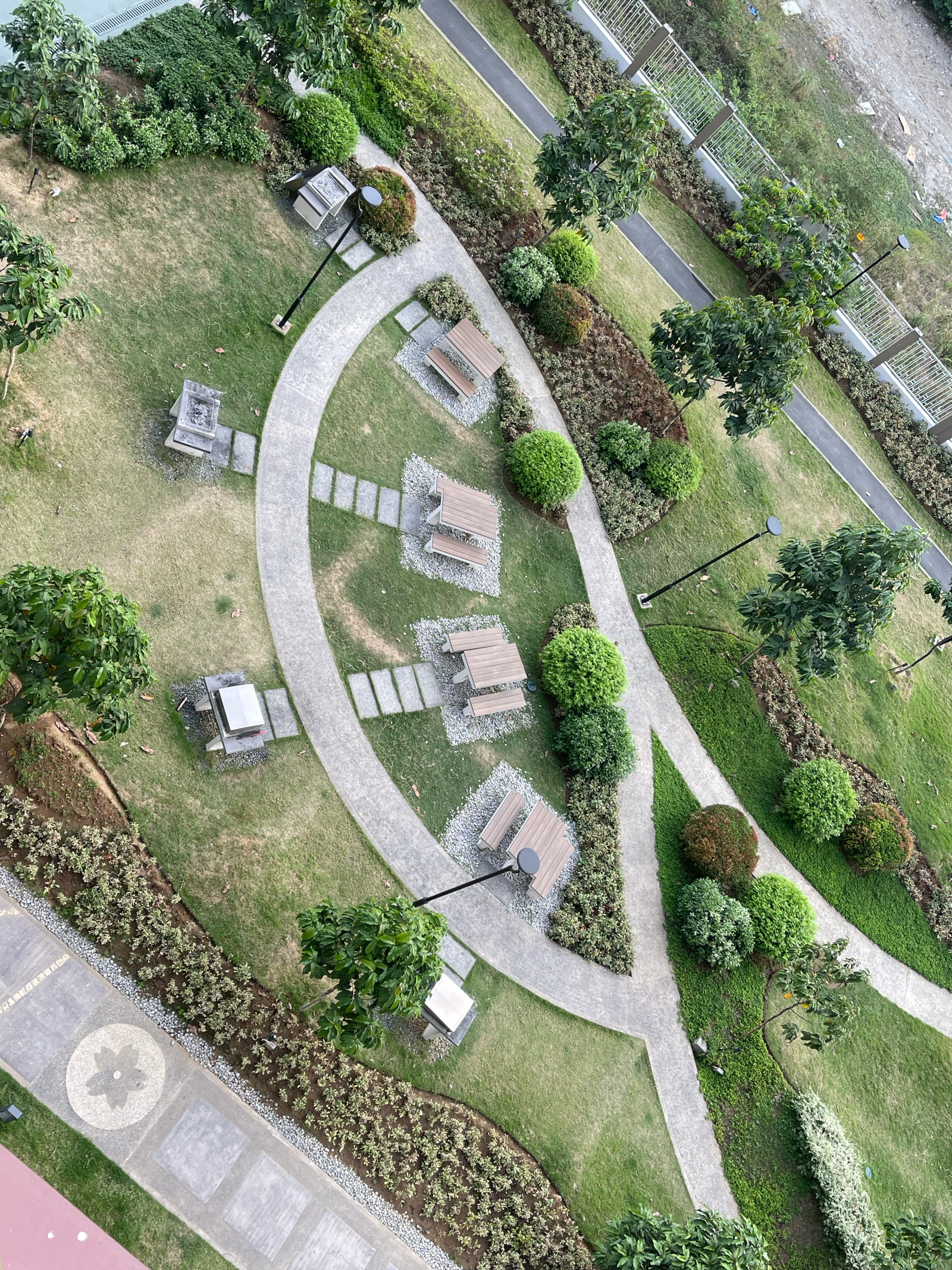
Picnic & Grill Stations

Select from four picnic and grill stations.

🔥 Picnic & Grill Stations

Select the station you wish to reserve.
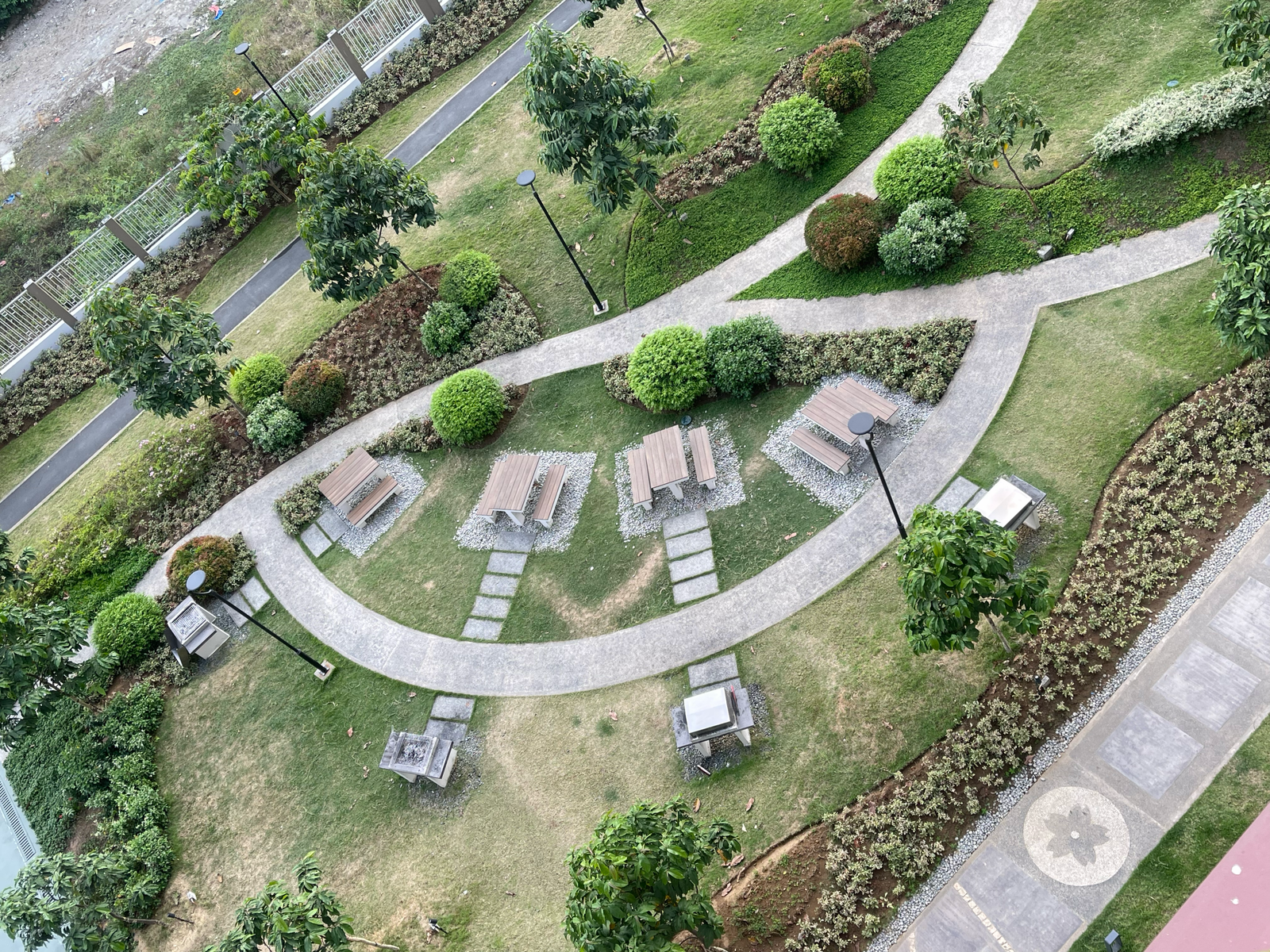
Picnic & Grill Layout Picnic & Grill Layout
Picnic 1
Picnic 2
Picnic 3
Picnic 4

PMO Payments

Select your preferred payment method.

PayMongo
Secure online payment
Continue
Maya
Pay using your Maya Wallet
Continue
GCash
Fast payment via GCash
Coming Soon
Over-the-Counter
Pay directly at the PMO Office.
View Office Hours

Maya Payment Guide

Pay your Association Dues securely using the Maya App.

Step 1 — Open the Maya App

Launch the Maya app and sign in to your account.

Step 2 — Tap Bills

From the Maya home screen, tap Bills.

Step 3 — Search for the Biller

Search and select DMCI Homes.

Step 4 — Enter Payment Details
Subscriber Account Number (SAN)
Obtain your SAN from the Satori Property Management Office (PMO).
Property
Satori Residences
Step 5 — Review Payment

Double-check all payment details before proceeding.

Step 6 — Confirm Payment

Complete the payment and wait for the confirmation.

Step 7 — Save Your Receipt

Save or screenshot your receipt for future reference.

PMO Office Hours

Pay directly at the PMO Office.

Office Schedule Monday to Saturday (Except Holidays)
Office Hours 8:00 AM – 5:00 PM
Lunch Break 12:00 PM – 1:00 PM
Payment Cut-off 4:00 PM

PMO Directory

Need assistance? Contact the appropriate office below.

Satorian Picks

Discover smart, stylish, and practical essentials for everyday condo living. Stay inspired with rotating community favorites and fresh picks we discover online.

Stay Connected

Keep up with community updates and announcements from the official PMO channels, and resident discussions through the ESC.

Join the ESC Messenger Community

Before you can join the ESC Messenger Community:

  1. Join the PMO's Satori Residences Residents Official Facebook Page.
  2. Request to join the Exclusive Satori Community Facebook Group.
  3. Wait for your request to be reviewed. The ESC Admins will verify your PMO membership or confirm that you have been vouched for by a verified ESC member.
  4. Once approved, you'll receive an invitation link to the ESC Messenger Community.
  5. Join the Messenger Community using the invitation link.
Thank you for helping us keep our community exclusive to verified Satori residents.